
It has happened: after years, TV Time shut down on July 15, 2026. If you landed on this article, you're probably asking one of three things: is my history lost, can I still recover it, and where do I keep tracking my shows? Here are all three answers, no fluff.
1. Can you still recover your data?
The app and the site no longer respond, and a GDPR export request no longer goes anywhere: TV Time wiped its servers on July 15, 2026. If you exported before that, your file (the ZIP from the GDPR request, or CSVs) holds your entire history: keep it safe, it's the one you import.
2. If you didn't export in time
Don't panic yet. First check: did you ever connect TV Time to another service (Trakt, an automatic export) in the past? Any old TV Time emails? Otherwise, know that TV Time wiped its servers on July 15, but the app kept a local copy of your history on your phone (the DioCache.db file): the import guide explains how to recover it from a backup. And going forward: whatever service you pick next, export regularly — don't get caught twice.
3. Which alternative should you move to?
The real criterion isn't “which app looks nicest”, it's “which one takes my history?”. Starting from scratch after years of tracking is what makes most people give up. We compared the options in detail in another article — the short version: Trakt (powerful, free but capped), Simkl (rich but busy), Serializd (elegant but shows only), and WatchTrail.
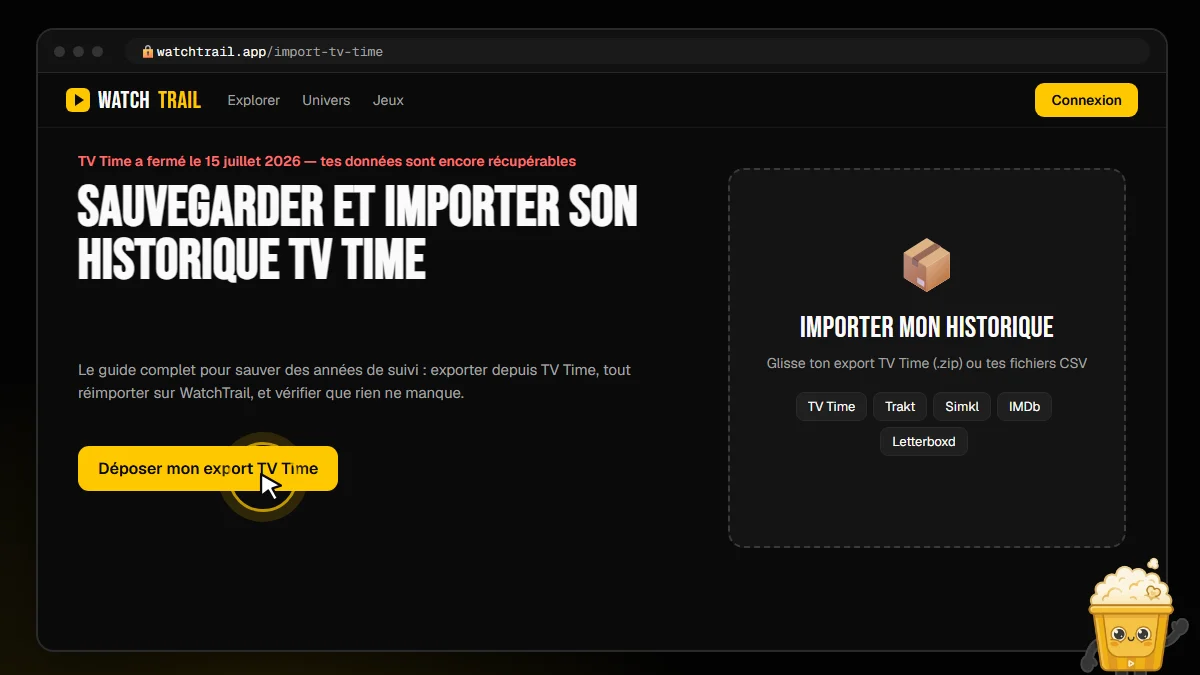 Get your TV Time history back
Move to WatchTrail in 3 minutes
WatchTrail was built during the TV Time shutdown, specifically for its users: drop your file (a CSV OR the whole ZIP, as-is), every show is resolved by its exact identifier — not just by title — watch dates are preserved, and the final screen shows the exact imported count. Episode-by-episode tracking, calendar, notifications, Marvel/Star Wars/DC universes, stats: free, ad-free, and your data stays exportable anytime.
- Drop the TV Time .zip directly — we read everything inside.
- Watched episodes + dates → progress, statuses and stats recomputed.
- Subscribe your phone calendar to your upcoming episodes (.ics).