
You drop the file, you watch the bar move, it is done. Nothing to prepare, nothing to split, nothing to rename. What follows describes what happens during that time — because knowing what an import does is the best way to understand its result.
Accepted formats
- the all-in-one format: `type,title,year,season,episode,watched_date,tmdb_id`
- episodes: `serie,saison,episode,date_vue,tmdb_episode_id`
- films: a single `film` column, or `Title,Year`
- the official Letterboxd export
the .zip is dropped as is — every .csv inside it is read; several files at once, results merged.
Why it takes a moment
Every show in your file has to be found again in a catalogue that is not TV Time's. This is not name matching: two shows can share a title, a show can have been split differently, a title can drag a year in brackets. So the import does, show by show, a job of identification — and it is that job, not the volume of data, that takes the time.
How a show is resolved
- three identifiers are taken from the file — the first, the middle one, the last — and resolved through external ids
- if none answers, the search falls back to a cleaned title: TV Time used to suffix titles with '(2023)'
- the best candidate is picked on the normalised title, never simply the first result
Episodes go up in batches of 500, films in 25, shows one at a time. Inserts ignore duplicates: running the same import again adds nothing twice, and an interrupted import resumes by dropping the same file again.
If no episode in the file attaches to the show that was found, nothing is written and the show is reported as 'not found'. That is the namesake case: a web series missing from TMDB whose title matches another, very real show released elsewhere. One line to redo by hand beats a stranger's show planted in your library.
What to take away
An import is not an operation you must get right first time. It is replayable: if your connection drops, if you close the tab, if a batch fails, you drop the same file again and nothing gets added twice. That is the property that matters most when handling five years of history.
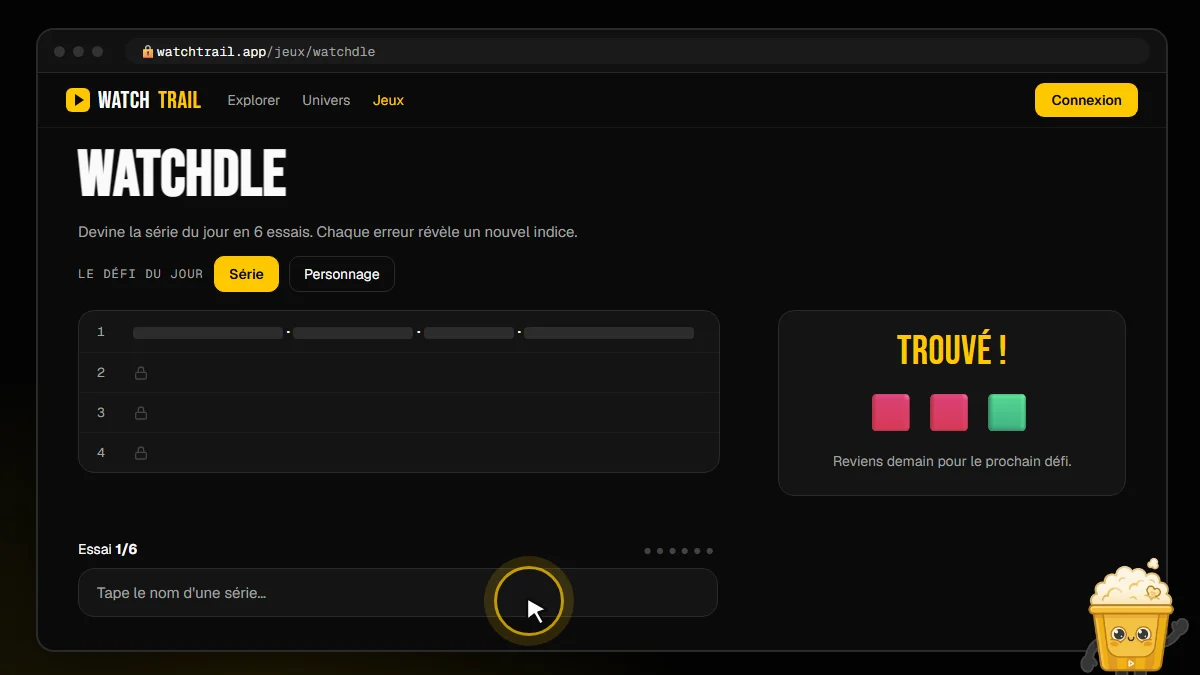 Today's TV show challenge
Who it is for
For anyone with a big file who fears breaking everything. For anyone who tried an import elsewhere and ended up with duplicates. If you want to pick show by show what enters your library, the import does not do that: it takes everything.
FAQ
Should I split my file? No. Splitting happens on its own, in batches, and the progress bar follows show by show.
What if I run the import twice? Nothing is duplicated. It is the same guarantee that makes an interrupted import resumable.
Can I keep using the site meanwhile? The import runs from your browser: keep the tab open until it finishes, or resume later with the same file.
Last updated: August 16, 2026 — WatchTrail data verified.